
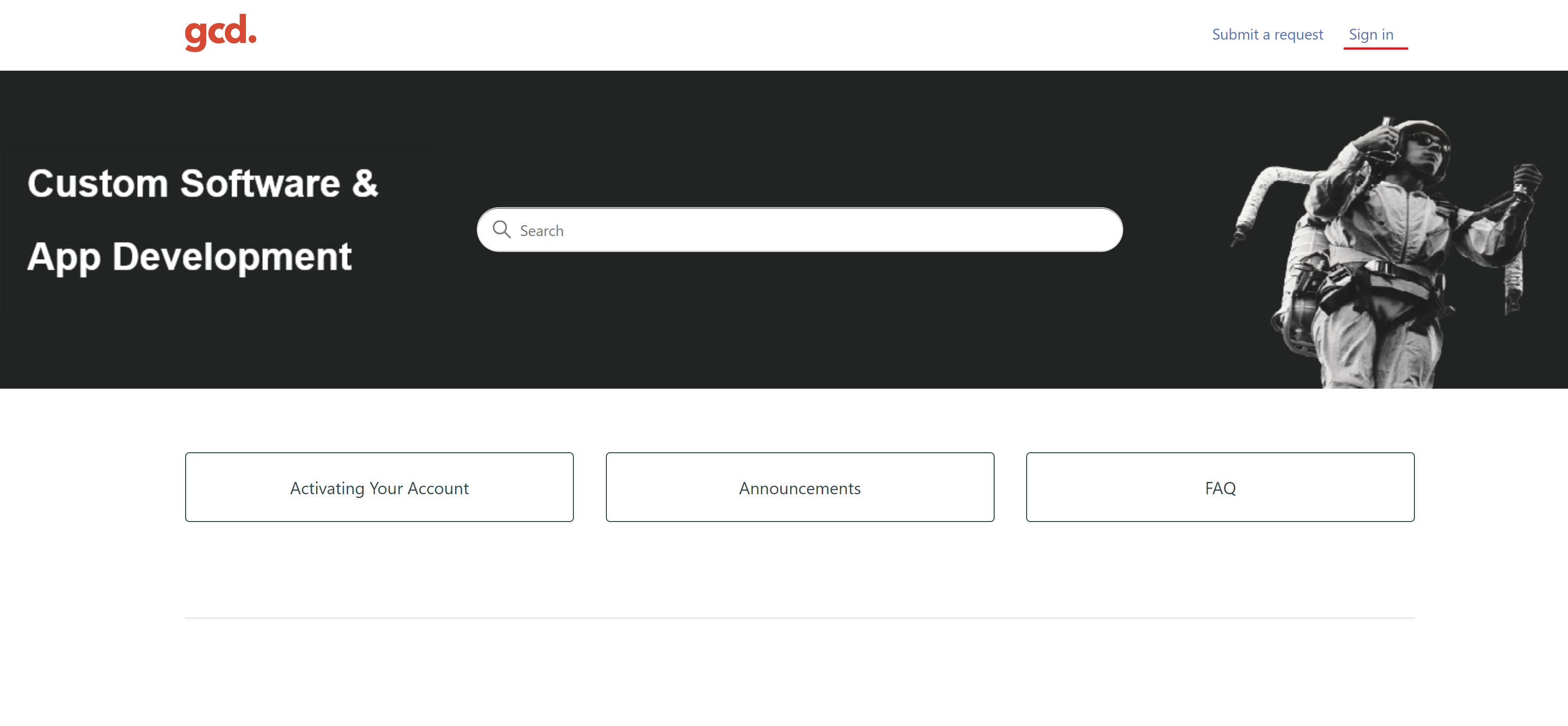
Select Sign In at the top right hand corner
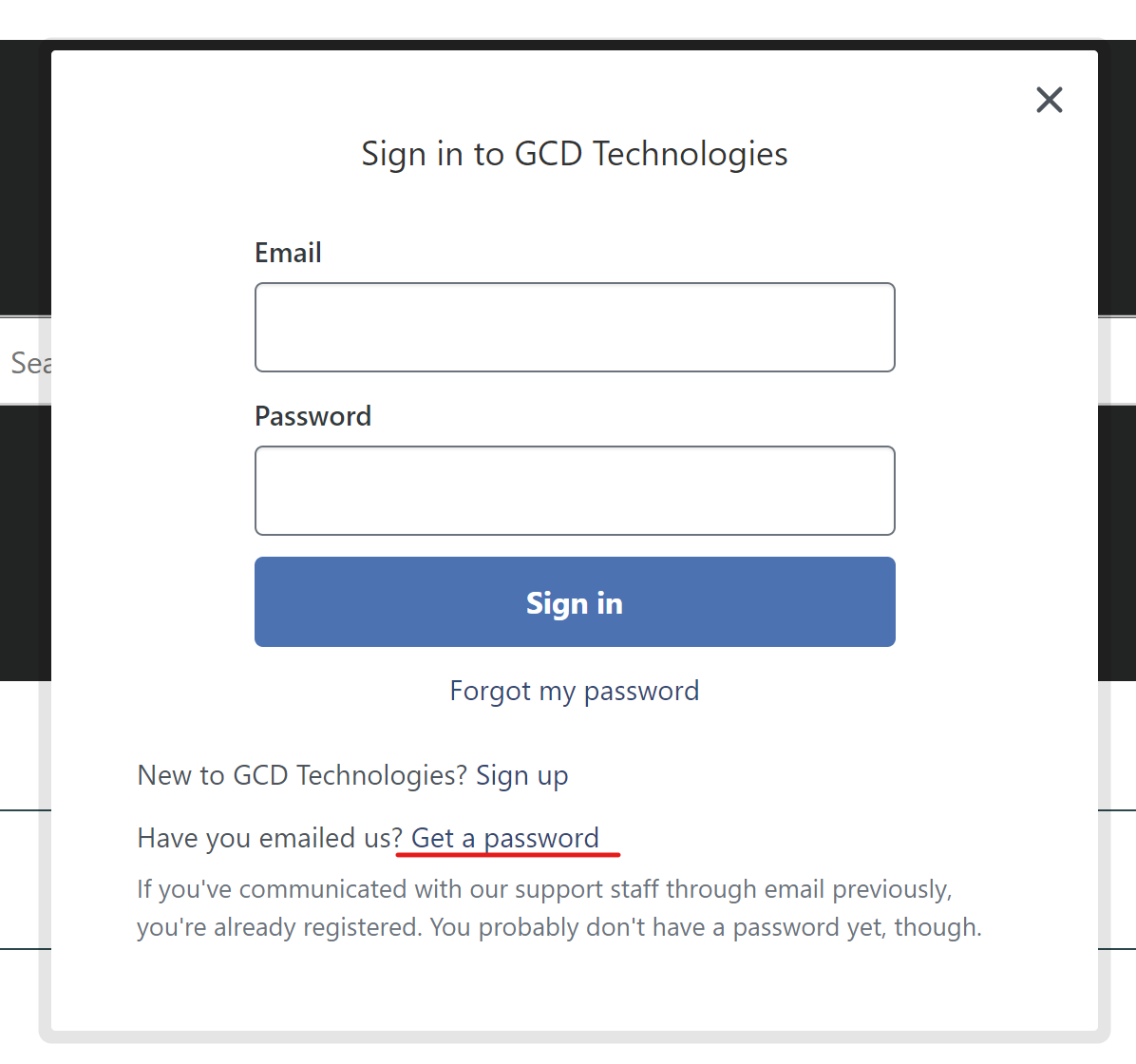
To create a new password select Get a password
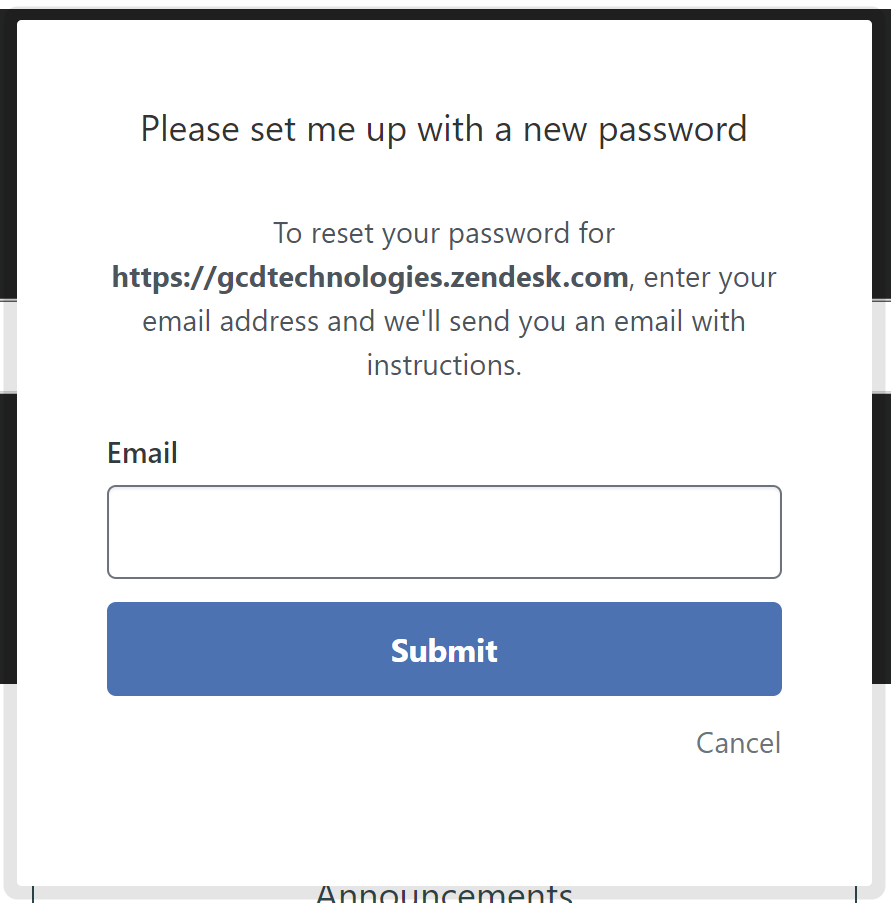
Enter your email in the box provided and click Submit
Open the email that is from Support and says 'Create a password for GCD'

Select the following link in the email

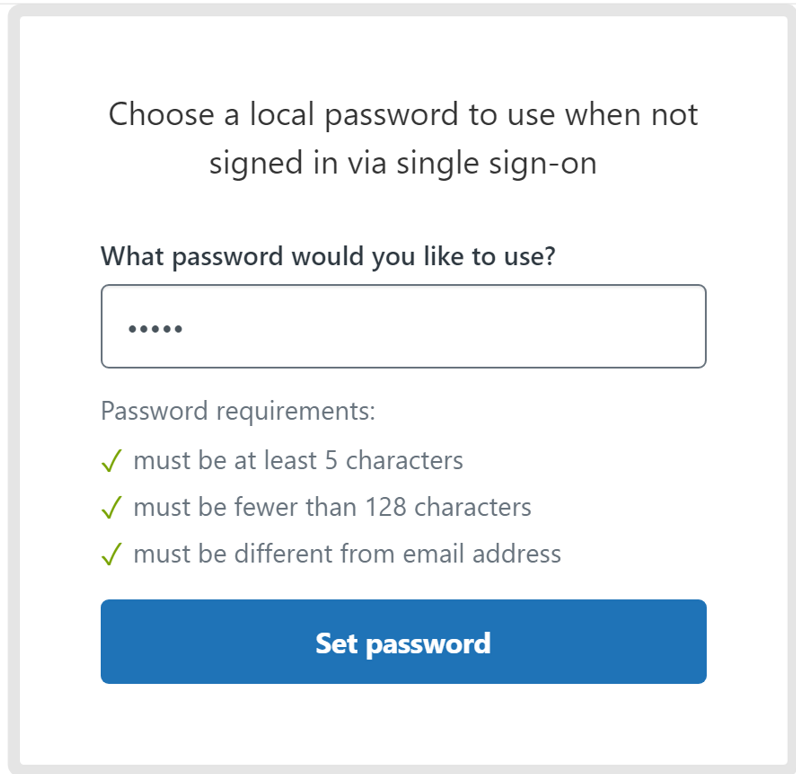
You will be directed to a web-page and that will ask you to create a password
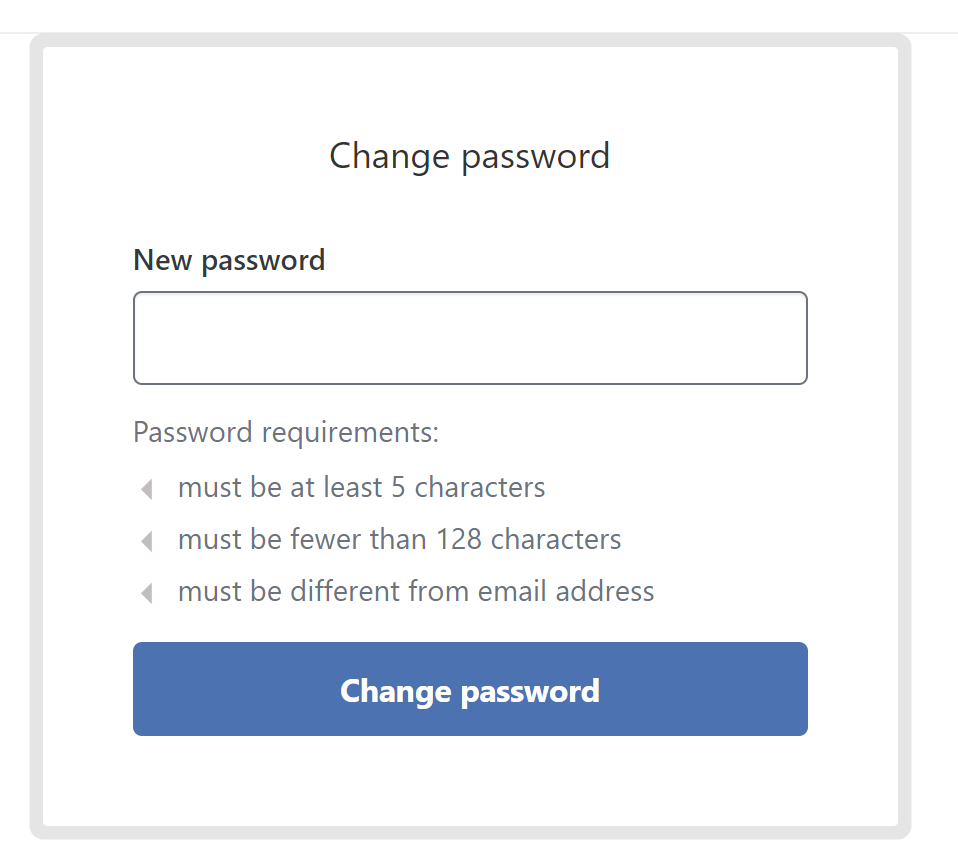
Once the password is created click the set password button
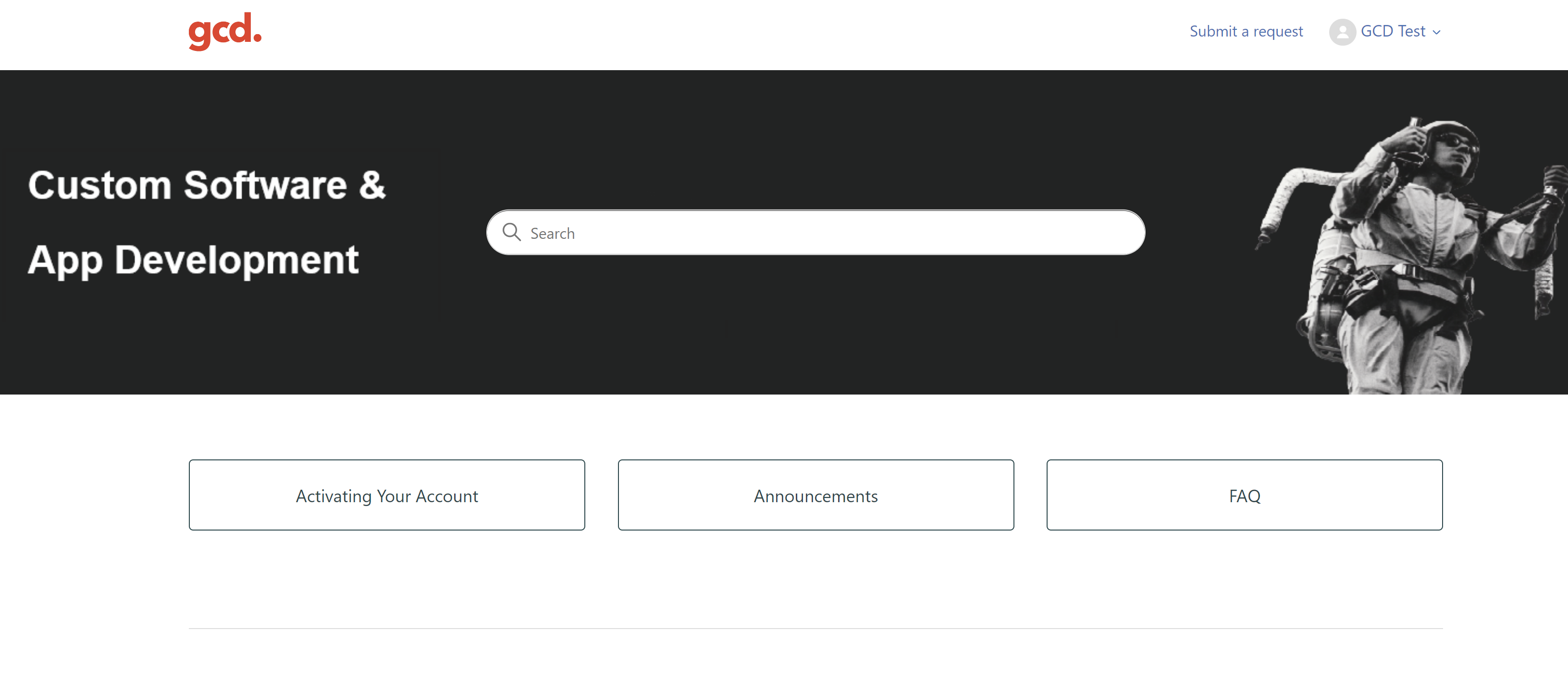
Once you select Set Password you will then be logged into your account
Comments
0 comments
Please sign in to leave a comment.